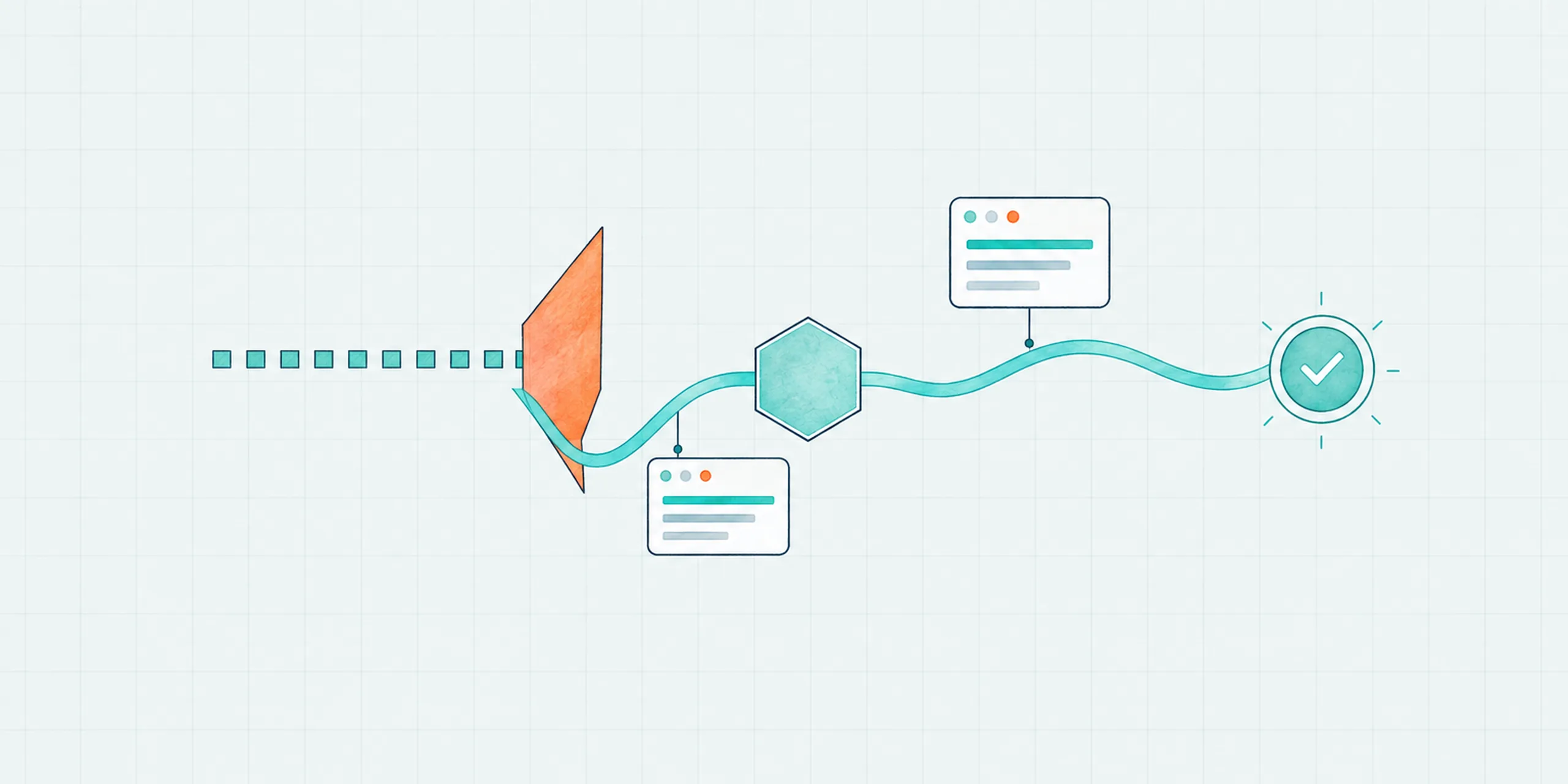
Automation follows a route someone drew in advance. An autonomous agent takes a job and finishes it when the route changes.
Every operations leader has lived the gap between those two sentences. A Zapier workflow or RPA bot runs fine on Monday. On Tuesday a vendor moves a button on its billing portal, or a customer replies with a PDF instead of filling out the form. The script stops dead. An error hits Slack, a ticket lands in a queue, and a person spends forty minutes finishing the job the software was supposed to own.
That cleanup queue is where the autonomous agents vs automation debate stops being abstract. Most companies already pay for automation. What executives want to know now is whether autonomous agents are a real operational shift or a fresh label slapped onto the same brittle tools.
The exception test
You can settle the difference with one question at your next vendor meeting or internal ops review: when something unexpected happens mid-run, who finishes the job, a person or the system?
Anthropic drew the technical line cleanly in Building effective agents: workflows run models and tools along predefined code paths, while agents dynamically direct their own process and tool usage to complete tasks. From an executive chair, the operational test is even simpler. Look at who absorbs the weird cases.
Three categories sit on the market today, and vendors blur them on purpose:
- Workflow automation and RPA execute fixed steps on predictable inputs. They are fast and exact when nothing moves. The moment a screen, format, or rule shifts, the run halts until a human patches the script.
- AI assistants and copilots speed up a person sitting at the keyboard. They draft an email or summarize a thread while you supervise every turn. Compare supervised self-driving to a Waymo. If you have to keep your hands near the wheel for every lane change, or watch the road in case the car drifts, you have a driving assistant. A Waymo drives across town with an empty front seat to pick someone up. Our human oversight guide unpacks why constant monitoring turns autonomy back into assisted work.
- Autonomous agents own a defined job function from trigger to finished deliverable. They run on their own computer, hold their own accounts and schedule, read messy inputs, pick the next step when a page or file looks unfamiliar, and escalate only when a case crosses a written rule. For the full breakdown of those components, read our guide to autonomous AI agents.
Gartner Senior Director Analyst Anushree Verma summarized the split in a June 2025 Gartner press release: use AI agents when decisions are needed, automation for routine workflows, and assistants for simple retrieval.
| Operating dimension | Workflow automation / RPA | AI assistants | Autonomous agents |
|---|---|---|---|
| How work starts | Fixed trigger or timer | A person prompts it | Schedule, inbox, or system event |
| Input format | Structured fields and stable screens | Text or files a person supplies | Messy emails, PDFs, live web apps |
| When a layout or format shifts | Breaks until a human fixes the script | Waits for the user to steer | Adapts its steps and keeps going |
| Who handles exceptions | Your team, via an error queue | The person driving the session | The agent, within written policy limits |
| Human attention during a run | Low until something breaks | Continuous supervision | Review of finished work and escalations |
| Best fit | High-volume, identical, rule-bound tasks | Drafting, search, and live help | Exception-heavy back-office job functions |
Why the RPA giants are rewriting their pitch
The clearest sign that fixed scripts hit a ceiling comes from the companies that built the RPA category.
In August 2025, Gartner projected that 40% of enterprise applications will integrate task-specific AI agents by the end of 2026, up from under 5% in 2025. Yet Gartner's 2026 Hype Cycle for Agentic AI, citing its 2026 CIO and Technology Executive Survey, reported that only 17% of organizations have deployed AI agents so far, while more than 60% expect to within two years. Buyer intent is running far ahead of working deployments.
Legacy automation vendors saw what that gap meant for bot renewals and pivoted hard. UiPath states plainly on its agentic automation page that traditional RPA is poorly suited to unpredictable, non-rules-based work, leaving gaps that force manual human intervention. In March 2026, UiPath rolled out financial-crime compliance agents built on its WorkFusion acquisition alongside its agentic orchestration layer. Automation Anywhere acquired Aisera in November 2025 to pair self-service IT, HR, and customer-service agents with its RPA core under "Agentic Process Automation."
Read the fine print of how legacy platforms still draw the boundary, though. In its September 2026 customer awards announcement, UiPath summed up its production operating model in six words: "agents decide, robots execute, humans handle exceptions."
Stop on those last three words.
If your people still catch every exception, the bottleneck moved one step downstream and stayed on your payroll. Scripts already automated the clean 70% of routine processes years ago. The expensive part of operations has always been the messy 30% where an invoice lacks a purchase order, a prospect replies with an unusual constraint, or a supplier portal changes its login screen. Software that hands every odd case back to a human desk leaves your team absorbing the exact work you paid to offload.
How to spot agent washing in ten minutes
Gartner named this wave in June 2025: agent washing, the rebranding of chatbots, AI assistants, and RPA products as "agents" without substantial agentic capabilities. Gartner estimated that only about 130 of the thousands of self-described agentic AI vendors were real, and predicted that over 40% of agentic AI projects would be canceled by the end of 2027 over escalating costs, unclear business value, or inadequate risk controls.
A year later, the problem had spread into vertical software. In May 2026, Gartner warned buyers in supply chain planning that many offerings pitched as agentic still fail to "independently re-sequence objectives, negotiate trade-offs or adapt execution logic."
Skipping the slide deck saves months. Run four blunt checks in any live demo:
- Break one input on the call - Rename a spreadsheet column, send a scanned PDF with a missing field, or open a web page with an unexpected pop-up. A script throws an error. An autonomous agent reads the mismatch, tracks down the missing detail, or flags the exact gap with a proposed fix.
- Take the human off the start button - Ask how the work starts Tuesday at 6 a.m. or when an inbound email lands at midnight. If someone has to open a chat window and type a prompt each time, you are evaluating an assistant. See how always-on autonomous agents act on schedules and events.
- Check where the work happens - Real back-office work crosses a browser, an inbox, a spreadsheet, and SaaS tools with partial APIs. Ask whether the agent operates those apps directly on its own computer or requires weeks of custom connector work before run one.
- Inspect the stopping rule and the trail - Ask what stops the agent from issuing an unapproved refund or altering a locked record, and ask to read the full record of a completed run. Genuine autonomy runs on written boundaries and an audit trail you can inspect after the fact.
Keep scripts where rules hold, hire agents for the messy back half
Here is the house rule that saves budget: keep your working automation.
Do not tear out a $50-a-month Zapier flow or a stable RPA bot that copies identical rows from billing into your data warehouse at 2 a.m. every night. Deterministic code is faster and cheaper whenever inputs stay uniform and screens stay still. Paying an AI model to re-decide a fixed rule five thousand times a day burns money for zero gain.
Put autonomous agents on the exception-heavy back half of a job function.
As we broke down in our guide on which business work to hand over first, most operational roles split in two. The front half happens across a table from another person: negotiating a renewal or calming an upset customer. Keep your people there. The back half lives inside your tools and inboxes: reconciling mismatched vendor invoices against email threads, researching accounts and updating CRM records, triaging inbound requests that never follow the template, or updating internal records after a process shifts.
Scripts stall on that back half because no two days arrive in the same shape. Autonomous agents finish it once you write down where they may act alone and where they must stop for a person. Our guardrails guide lays out how to separate allowed actions, drafts, approvals, and prohibited actions so your team stops babysitting routine runs while keeping external commitments safe.
Getting started with Octavius
Octavius lets you hire autonomous AI employees built for that exception-heavy back half. Each Octavius Agent works on its own persistent computer with its own accounts, memory, and calendar, using the same web apps, spreadsheets, Slack channels, and inboxes your team already runs.
Work starts from a managed schedule or an incoming message rather than a manual prompt. Your team writes autonomy, approval, and escalation rules in a shared Handbook so the agent resolves ordinary exceptions and pauses cleanly at policy lines. Every finished run leaves a step-by-step record in Threads that you can review on your own time.
If you want to put one seat on a real operational backlog, start with the guide to hiring and onboarding your first agent.
Hire an autonomous AI employee for the exception-heavy work your scripts leave behind, and pay only while it works.